The Voice You Need.
Nothing Else.

Object detection, navigation, OCR, and a voice assistant — all by voice, online or offline.

  • Android
  • Online & offline
  • Filipino & English

Features

Everything You Need, Just Say It

Every Voicebrain feature is designed to work hands-free and screen-free — your voice is all it takes.

  • Voice Assistant

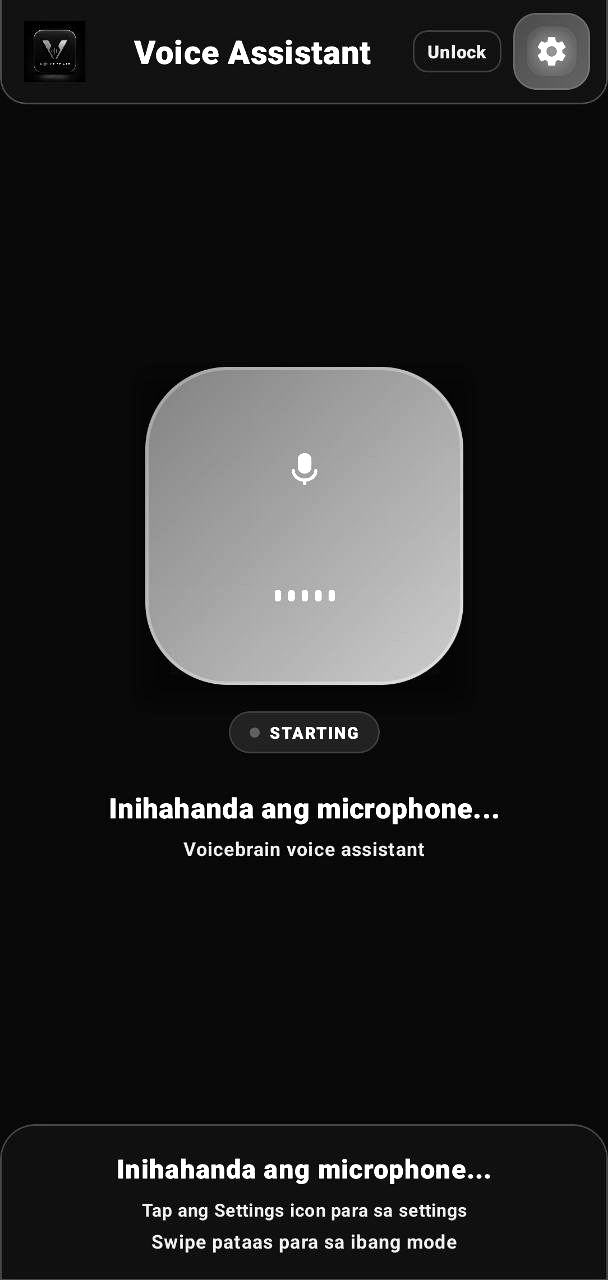
    Just tap to talk — no wake word to remember. Get instant answers for the time, date, weather, and simple math.

  • Object Detection

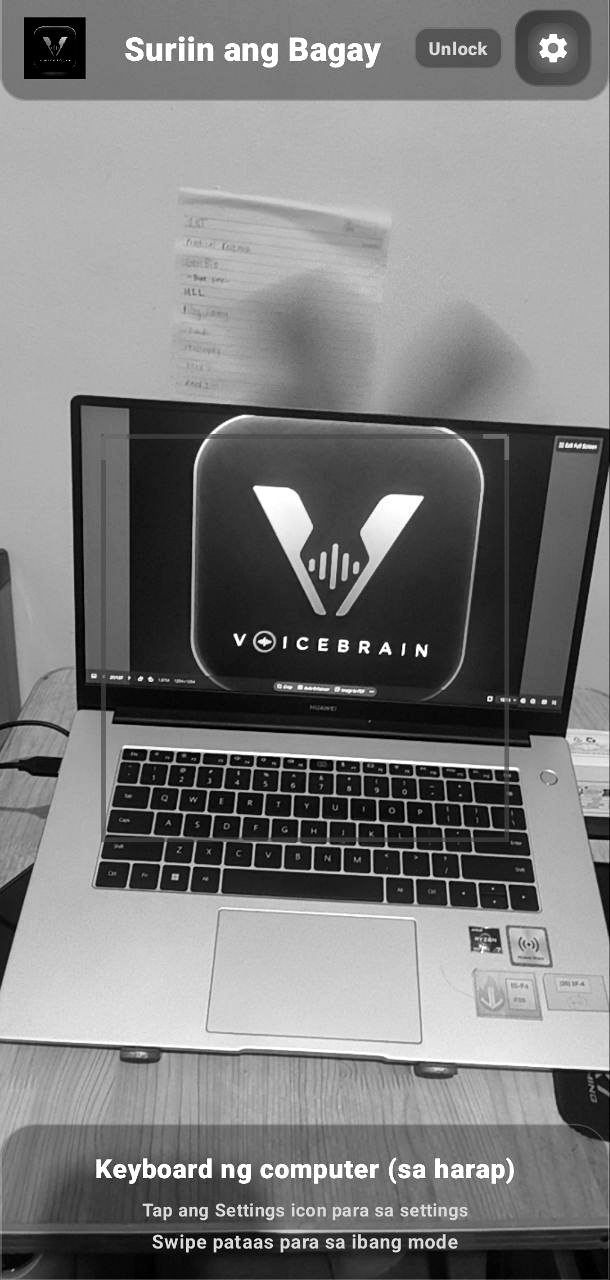
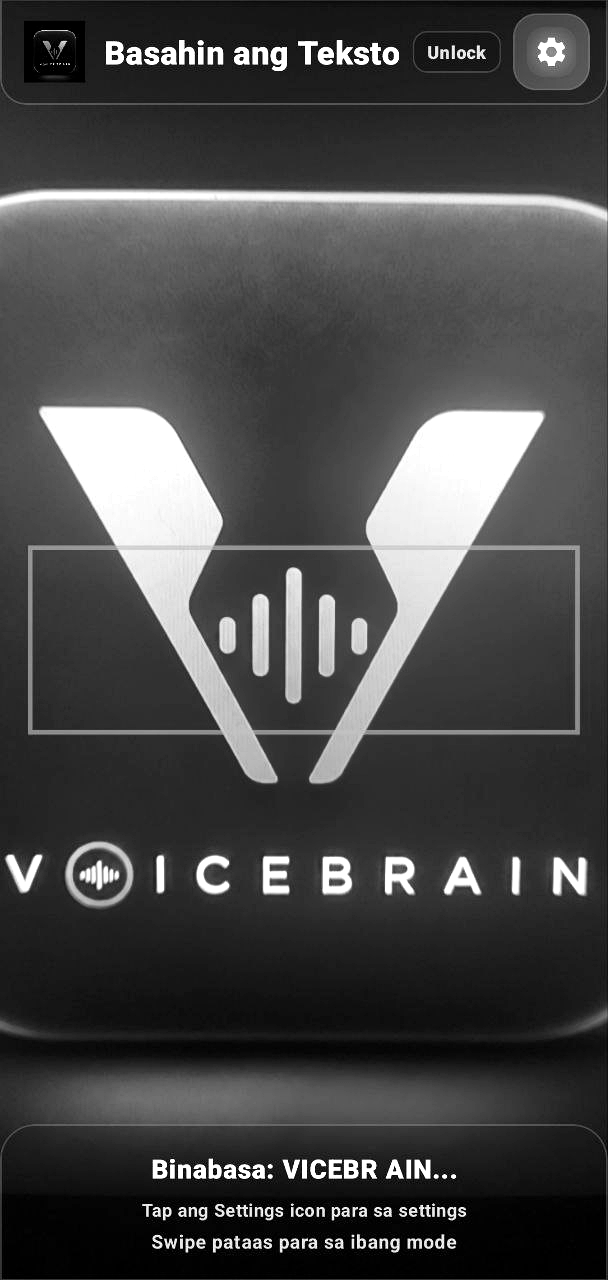
    Powered by AI object detection, Voicebrain tells you what's in front of the camera — from laptops to everyday items around you.

  • Obstacle & Guidance

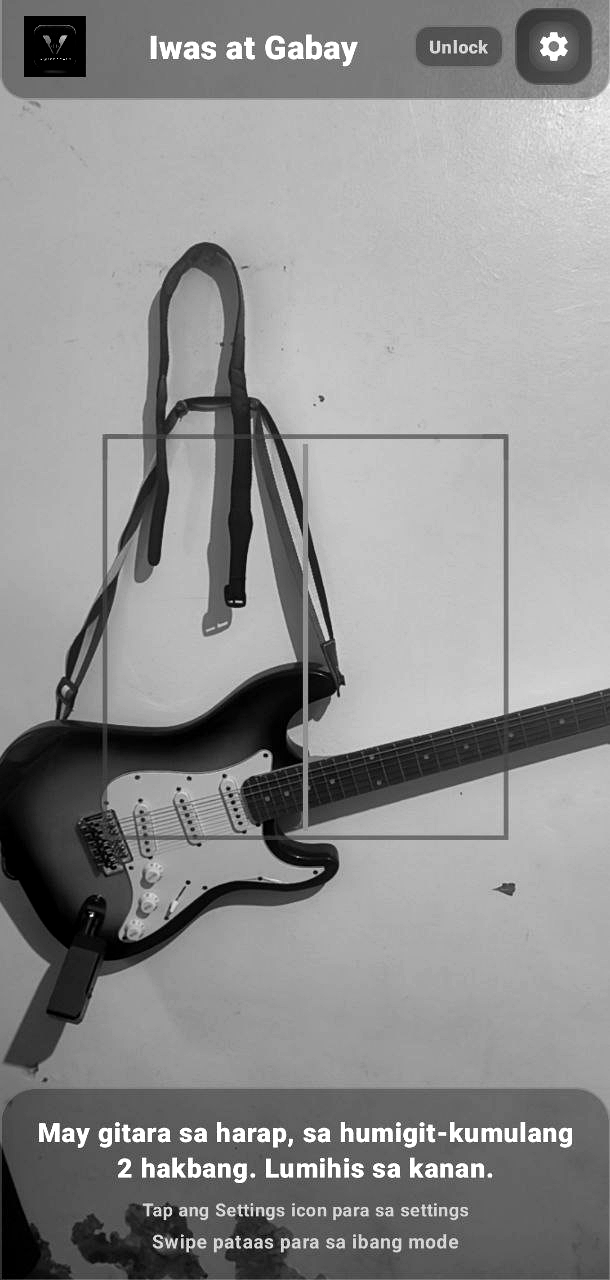
    Get alerted to obstacles with an estimated distance, plus optional LiDAR support on compatible devices for more precise guidance.

  • Place Detection

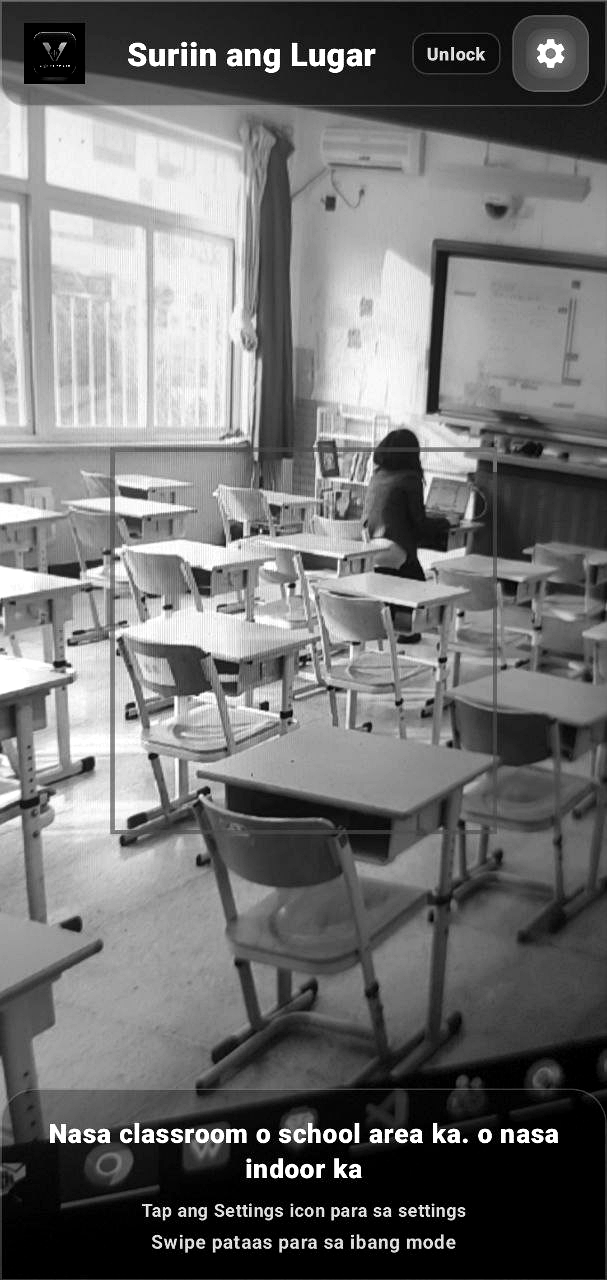
    The app recognizes the type of place you're in — a classroom, a kitchen, an office — so you always have a sense of your surroundings.

  • Text Reader / OCR

    Just scan any printed text — receipts, letters, signage — and Voicebrain reads it aloud using OCR.

  • Color Identifier

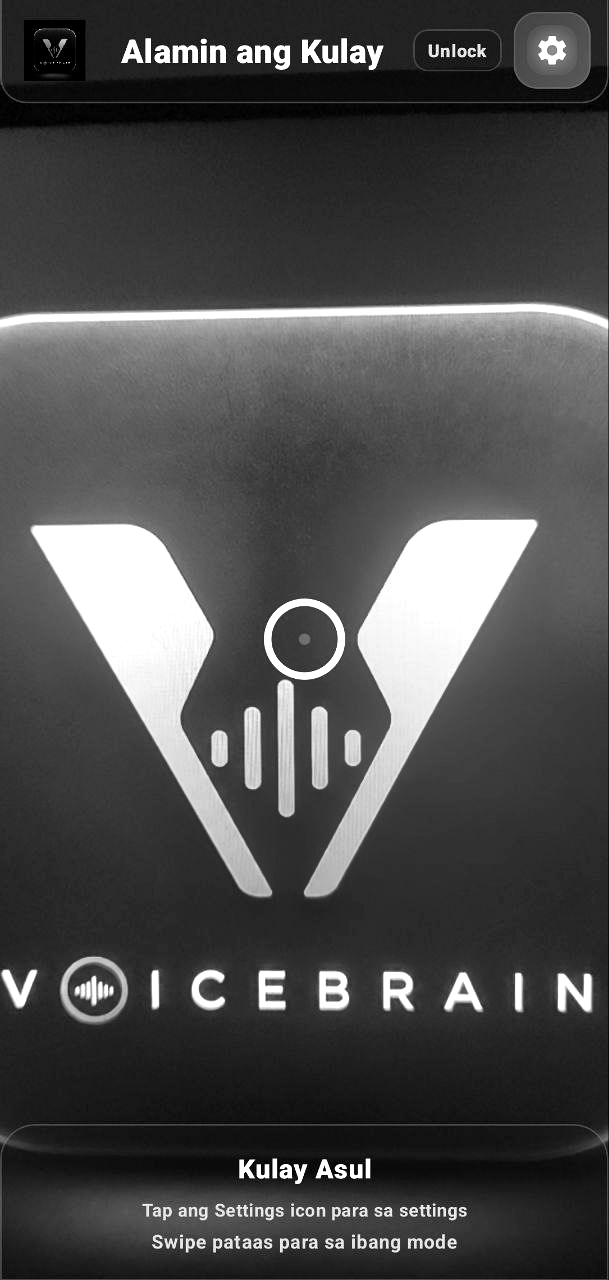
    Point the camera at any object to instantly learn its color — handy for picking out clothes or identifying items.

  • Money Detection

    Voicebrain recognizes Philippine Peso bills and coins, so you can shop and count money with confidence.

  • Help Signal

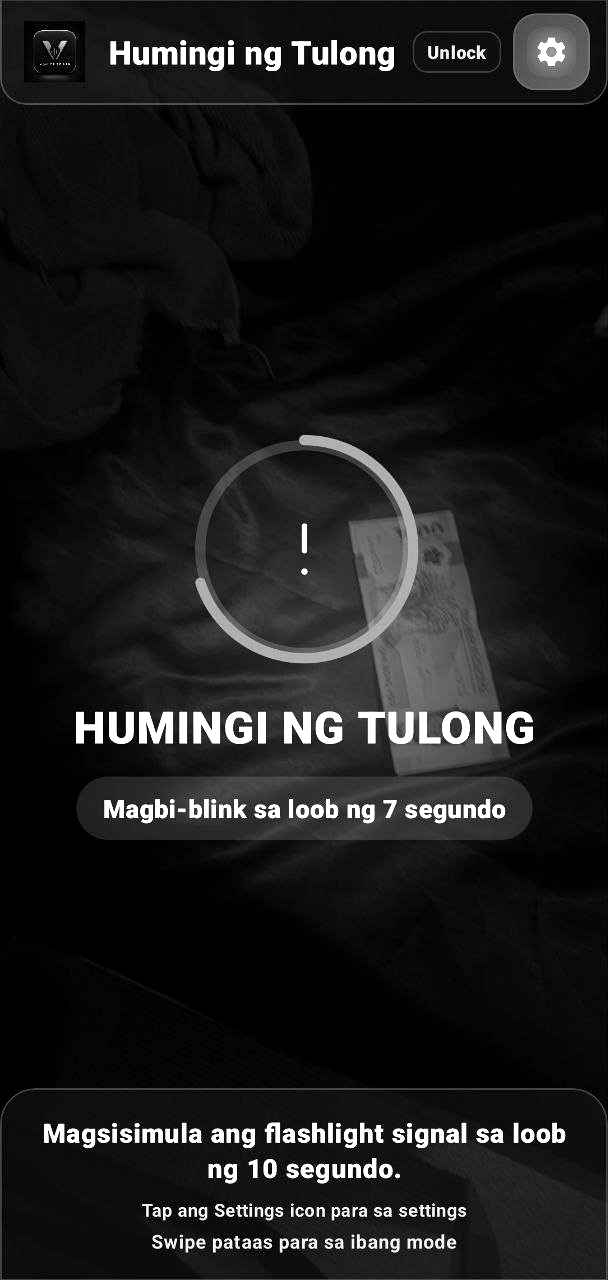
    Triggers a flashlight SOS blinking signal to catch the attention of people nearby during an emergency.

  • Voice SMS Mode

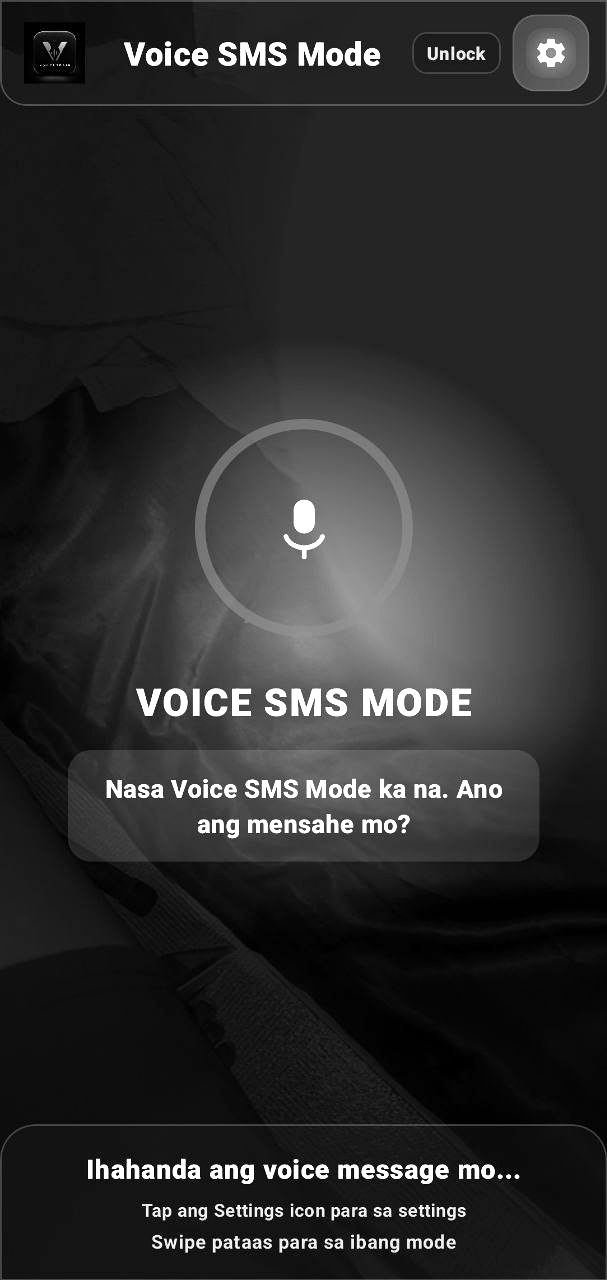
    Just dictate your message and it gets sent as an SMS — no buttons needed, voice does everything from start to finish.

  • Emergency Contacts

    Set up two emergency numbers with a countdown timer — if it isn't cancelled in time, it automatically calls them one after another.

  • Auto Send Location

    Automatically shares your location with a designated guardian at regular intervals, so someone always knows where you are.

  • Multi-language Support

    Available in Filipino and English, so the app feels natural and comfortable for any user, anywhere in the Philippines.

  • Customizable TTS

    Adjust the text-to-speech voice and speaking rate to your liking — faster for frequent use, slower for extra clarity.

  • Bluetooth Support

    Connects to Bluetooth mics and speakers — smart glasses included — for a more discreet, comfortable experience anywhere.

Our Mission

Independence, Powered by Voice

Voicebrain was built for the blind and visually impaired who want greater independence in everyday life — from recognizing objects around them and navigating obstacles, to reading documents and identifying money — without always having to rely on someone else.

We believe accessibility shouldn't be a burden. That's why we designed Voicebrain to be hands-free and screen-free — all you need is your voice, no need to look at or touch a screen.

  • Empowerment — a tool that builds confidence in every task.
  • Independence — less reliance on others for simple, everyday tasks.
  • Accessibility — works online or offline, using on-device Whisper speech recognition.
  • Safety — quick access to emergency contacts, a help signal, and automatic location sharing.

Our Objectives

5 Things Voicebrain Is Built To Do

  1. Environmental Awareness

    Give a real-time understanding of surroundings through object, obstacle, and place detection, so users can move confidently without a sighted companion.

  2. Independent Reading

    Let users read any printed material on their own through OCR-powered text-to-speech — no need to ask someone else to read it for them.

  3. Confident Money Handling

    Help users identify Philippine Peso bills and coins so they can shop, pay, and manage cash independently and with confidence.

  4. Rapid Emergency Response

    Provide fast access to help through emergency contacts, a help signal, and automatic location sharing when every second counts.

  5. Inclusive, Everyday Access

    Make the app usable by anyone, anywhere in the Philippines, in Filipino or English, online or offline.

How It Works

One Tap, and It Tells You What You Need

Swipe through the actual Voicebrain interface for each mode — with clear voice guidance every step of the way.

  • Screenshot of Voicebrain's Voice Assistant mode, showing the mic button while the microphone is starting up
  • Screenshot of Object Detection mode, recognizing a laptop displaying the Voicebrain logo
  • Screenshot of Obstacle & Guidance mode, warning about a guitar roughly two steps ahead
  • Screenshot of Place Detection mode, recognizing a classroom based on desks and equipment
  • Screenshot of Text Reader mode, reading the word Voicebrain from a logo
  • Screenshot of Color Identifier mode, identifying the color as blue
  • Screenshot of Money Detection mode, recognizing a 1000-peso Philippine Peso bill
  • Screenshot of Help Signal mode, with a countdown before the flashlight SOS signal begins
  • Screenshot of Voice SMS Mode, waiting for the user's dictated message
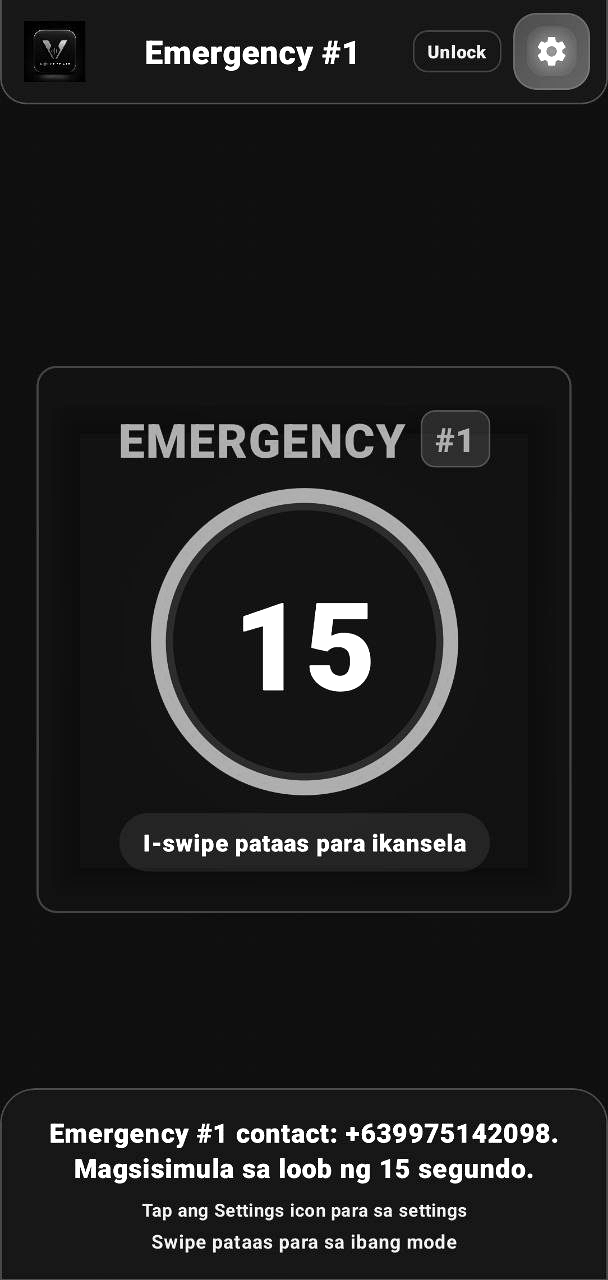
  • Screenshot of Emergency contact number 1 with a 15-second countdown timer
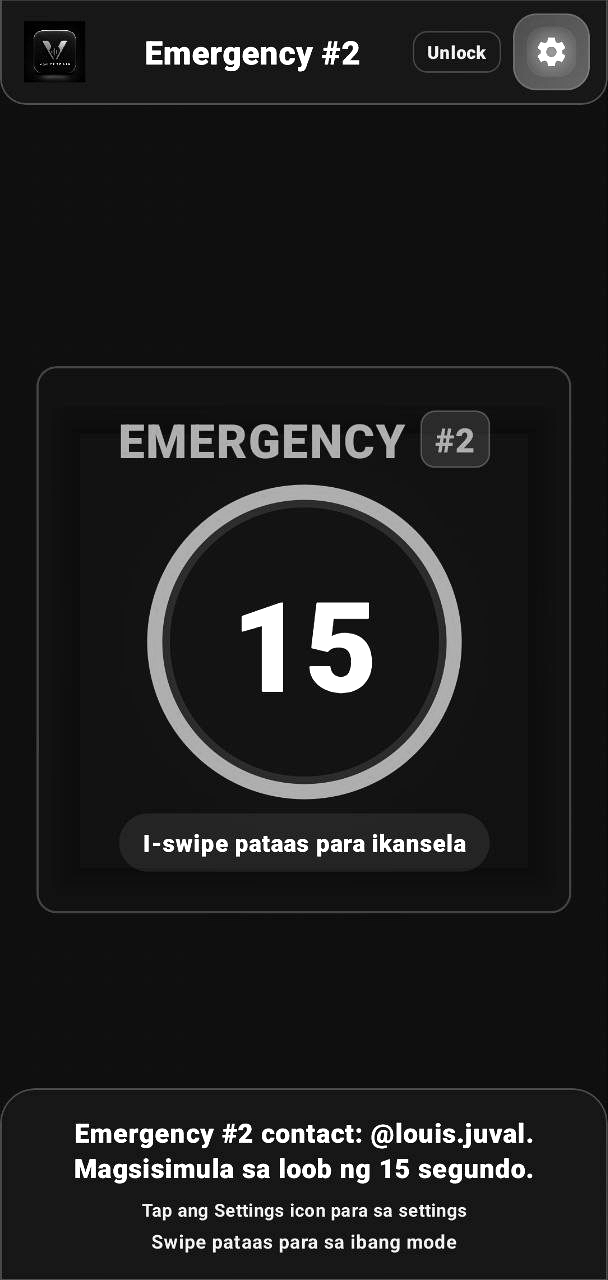
  • Screenshot of Emergency contact number 2 with a 15-second countdown timer

About Us

The Team Behind Voicebrain

A small team who came together to build Voicebrain — from AI and machine learning to design and web development.

  • Photo of Louis Juval Tabernero Lead Developer

    Louis Juval Tabernero

    System Architect & AI

    Built the app's entire functional framework, turning complex logic into a seamless, high-performance experience behind Voicebrain.

  • Photo of Armi Charisma Rayos Web Developer

    Armi Charisma Rayos

    UI/UX & Web Interface

    Focused on building an intuitive user dashboard and a responsive web experience for Voicebrain.

  • Photo of Jhon Erick Recaro Machine Learning

    Jhon Erick Recaro

    Machine Learning Engineer

    Leads model training and the full ML pipeline that powers Voicebrain's AI features.

Get in Touch

Have a Question? Talk to Us

Fill out the form and we'll get your message directly in our inbox.

Legal

Privacy Policy

VoiceBrain

VoiceBrain is an accessibility app for blind and low-vision users. It uses your camera, microphone, and location to describe surroundings, read text, identify money and colors, and reach emergency contacts by voice. This page explains, item by item, exactly what leaves your phone — and what never does.

  • No accountsNo sign-in, no user ID tied to you
  • No serverWe don't run a backend that stores your data
  • You choose what's sentLocation and messages go only to your own contact
Effective date
August 20, 2026
App version
1.0
Developer
Louis Juval Ergina Tabernero

1. Overview

VoiceBrain is an accessibility app built for blind and low-vision users. It uses the camera, microphone, and location to describe surroundings, read text, identify money and colors, and reach emergency contacts by voice — most of this processing happens directly on your phone, not on a server we run.

This policy explains exactly what the app accesses, why, and — for every item — whether it ever leaves your device.

2. Data We Use

Each permission below exists for one specific feature. The app never requests a permission "just in case."

  • Camera On-device only

    Powers Object Detection, Guidance, Place Detection, Text Reader, Color Identifier, and Money Detection. Every frame is analyzed by AI models running locally on your phone and is never uploaded, saved, or transmitted anywhere.

  • Microphone On-device when offline To Google when online

    Used for voice commands and Voice SMS Mode. When your phone is online, voice is transcribed by your device's built-in Android speech recognition service (typically Google's), which sends audio to Google for processing under Google's own privacy terms. When offline, or if no speech service is available, VoiceBrain switches automatically to an offline model (Whisper) that runs entirely on your device — nothing is sent anywhere.

  • Location Sent only to your contact

    Accessed when you say "send my location," and optionally on a repeating schedule if you turn on Auto Send Location in Settings (every 5–60 minutes, your choice). Either way, your coordinates are texted only to the Emergency Contact you configured — never to us, and never as a link (plain coordinates avoid carrier SMS filters). Auto Send Location only runs while the app is open in the foreground; it stops the moment you close the app, and can be turned off in Settings at any time. VoiceBrain does not keep a location history — each update simply replaces the last.

  • SMS & Phone Calls Sent only to your contact

    Used to send Voice SMS messages, your location, and video call links, and to place calls during Emergency Mode — always to the Emergency Contact number(s) you entered yourself. VoiceBrain cannot send SMS or place calls to anyone else, and never reads your existing messages or call history.

  • Bluetooth On-device only

    Routes the microphone and audio output through a connected Bluetooth accessory (for example, smart glasses with a mic and speaker) instead of the phone's own hardware.

  • Step / Activity Data On-device only

    Powers the built-in step counter, read back to you on request. Counted locally; never logged or transmitted.

  • List of Installed Apps On-device only

    Lets you say "open Facebook" or "open YouTube" to launch another app by name. VoiceBrain only uses this list to find and start the app you asked for.

3. What Stays On Your Phone

VoiceBrain has no user accounts, no sign-in, and no backend server that stores your data. There is no advertising SDK and no analytics or crash-tracking SDK collecting behavioral data. The only information stored is saved locally in your phone's app storage:

  • Your nickname and language/voice preferences
  • Emergency Contact names and numbers you entered
  • Detection settings and thresholds

None of this is synced to a cloud account or visible to us. Uninstalling the app permanently deletes all of it from your device.

4. Third-Party Services

VoiceBrain relies on a small number of services built into Android itself, rather than services we operate:

  • Android's speech recognition service (usually Google) — receives audio only while you're online and only for the duration of a voice command, governed by that provider's own privacy policy.
  • Google ML Kit Text Recognition — reads text for the Text Reader feature entirely on-device; images are not uploaded to Google.

We do not integrate any advertising network, analytics platform, or data broker.

5. Who We Share Data With

We do not sell, rent, or share your data with advertisers or other third parties. The only "sharing" that happens is the direct result of features you turned on yourself — for example, texting your location to the Emergency Contact you chose, whether triggered by voice or by the Auto Send Location schedule. That message goes from your phone to their phone; it does not pass through us.

6. Storage & Retention

All app data lives in local storage on your device for as long as the app is installed. There is no remote copy for us to retain, delete, or lose in a breach, because we never receive it in the first place. Uninstalling VoiceBrain removes it immediately.

7. Your Controls

  • Permissions: Grant or revoke any permission anytime in Android Settings → Apps → VoiceBrain → Permissions. Features tied to a revoked permission simply stop working until it's re-granted.
  • Auto Send Location: Off by default; turn it on or off anytime from VoiceBrain's own Settings menu.
  • Offline mode: Turn off mobile data and Wi-Fi to keep all voice recognition on-device.
  • Delete everything: Uninstall the app.

8. Children's Privacy

VoiceBrain is not directed at children and we do not knowingly collect personal information from children. If you believe a child has provided us information, contact us using the details below and we'll address it.

9. Security

Because sensitive data (camera frames, audio, location) is processed on-device rather than transmitted to a server, there is no central database of user data for us to protect or that could be breached. Data you send via SMS or phone call is protected by your carrier's standard network security.

10. Changes to This Policy

If this policy changes, the updated version will be published at this same address with a new effective date at the top. Continued use of the app after an update means you accept the revised policy.

11. Contact Us

Questions about this policy or how VoiceBrain handles data can be sent to:

VoiceBrain — offline-first accessibility app for blind and low-vision users.

Get the App

Download Voicebrain

Free to install on Android — works fully online or offline.

Voicebrain app icon

Voicebrain v1.0

Android APK · ~290 MB

How to Install

Voicebrain isn't on the Google Play Store yet, so Android will walk you through a few extra confirmations the first time. Here's what to expect:

  1. Allow installs from your browser

    When your browser or Android warns you about installing from an unknown source, tap "Settings," then turn on "Allow from this source" for your browser.

  2. Pause Google Play Protect

    Play Protect may try to block the install since the app isn't from the Play Store. If prompted, tap "Install anyway," or open Play Store → Profile → Play Protect → Settings and turn off scanning temporarily.

  3. Allow restricted settings

    After installing, open Settings → Apps → Voicebrain, tap the ⋮ menu in the top-right corner, and choose "Allow restricted settings." Newer Android versions require this for apps installed outside the Play Store.

  4. Open Voicebrain and grant permissions

    Launch the app and allow the camera, microphone, and location permissions it asks for — you're ready to use Voicebrain!